Bluedot Review

8.7/10

Bot-free AI note taker for meetings, calls, and in-person conversations.

Review updated May 2026 By The AI Way Editorial 5 min read
Bluedot Chrome Extension CRM Integration Meeting Notes Transcription Freemium from USD 14.00/mo

Our Verdict

Bluedot is strongest when conversations keep happening outside clean, scheduled video meetings and you still need the notes to land somewhere useful afterward. Its no-bot capture model plus desktop, mobile, and Apple Watch recording give it a wider job than standard meeting bots. The tradeoff is that the free plan is only a taste, and the serious case for paying appears once you want imports, CRM or ATS handoff, or broader team controls.

Official site
A free plan is listed; verify current limits before upgrading. Starts at USD 14.00.
open_in_new Try Bluedot
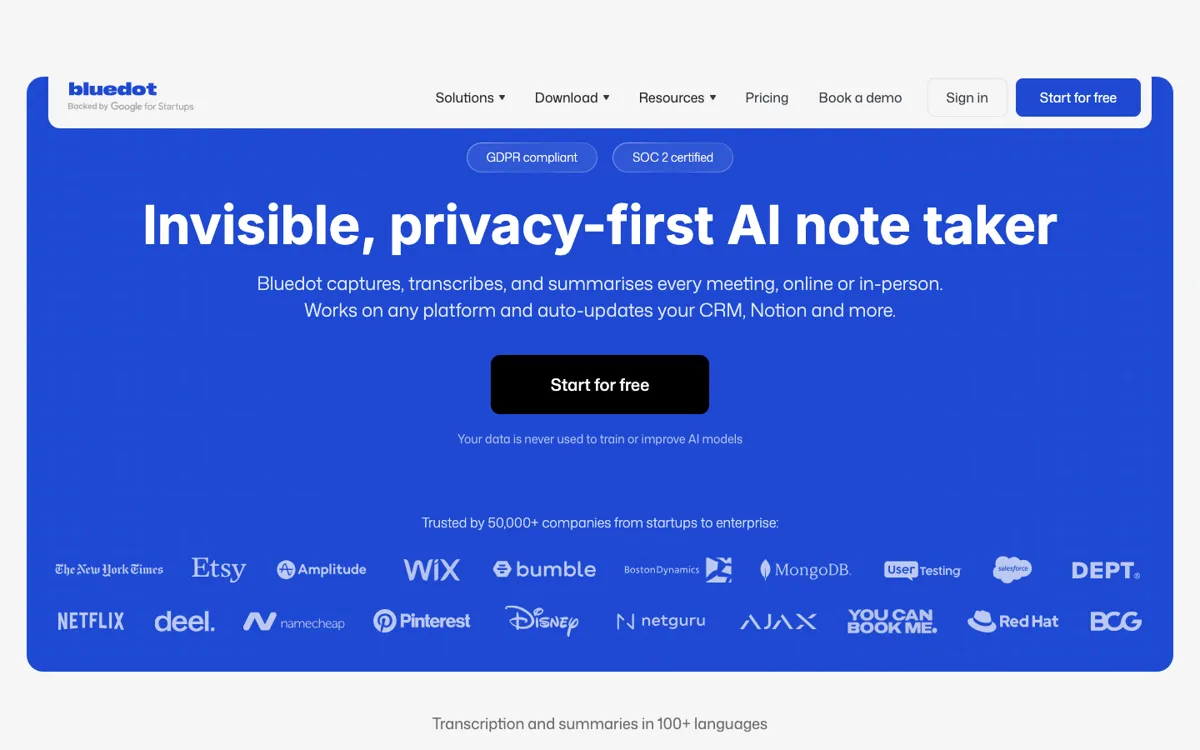
Official Website Snapshot Visit Site ↗

check_circle Pros

  • It avoids a visible meeting bot, which matters in interviews, client calls, and sensitive conversations where an extra participant changes the room.
  • It covers browser meetings, desktop calls, phone calls, and in-person conversations, so it is not trapped inside one meeting platform.
  • Paid tiers push notes into CRM, ATS, Notion, Slack, imports, and webhook handoff instead of leaving you with a dead transcript.

cancel Cons

  • The free plan stops at 5 lifetime meetings, 1-hour recordings, and no imports, so it is not enough for a real weekly meeting habit.
  • Some of the more interesting value, like video capture, imports, CRM or ATS sync, SSO, and retention controls, sits behind plan jumps.
  • You still need a participant's device running the extension or app, so this is not blanket bot coverage.

Should you use it?

Sales calls, recruiting interviews, founder or customer conversations, and internal meetings where you want notes, transcripts, and CRM or ATS follow-up without dropping a visible bot into the room.

Skip it if: you mainly want a cheap unlimited recorder or your company prefers auto-joining bot coverage instead of device-based capture

Is it worth the price?

Freemium Starts at USD 14.00

The free tier is only enough to test the capture style and note quality, not to support a real meeting schedule. You hit paid territory as soon as meetings happen every week, need longer archives, or need the notes to flow into CRM, ATS, imports, or admin controls. If all you need is occasional transcript output, the pricing structure is heavier than the problem.

The Free Tier

Free includes 5 meetings for life, a 1-hour cap per recording, and no imports.

Paid Upgrade
$14/member/month

Basic removes the meeting cap; higher tiers add video, imports, CRM or ATS sync, SSO, and retention controls.

One thing to know before you start

Test one browser meeting and one in-person or phone conversation in the same week. If both end up feeding the same follow-up system, Bluedot's broader capture model is worth paying for. If you only ever use it inside scheduled calls, compare it against cheaper meeting-only rivals.

What people actually use it for

Run client calls or interviews without a bot participant changing the tone

Bluedot fits situations where the social cost of a visible recorder matters. A recruiter, founder, or customer-facing lead can capture the conversation from an extension or device, stay present in the room, and still leave with structured notes, action items, and a searchable transcript.

Turn phone calls and in-person conversations into CRM-ready follow-up

Bluedot becomes more useful than a browser-only note taker when the important conversation happens away from your laptop. A sales rep, recruiter, or operator can record from mobile, desktop, or Apple Watch, then push the output toward CRM fields, scorecards, or next-step notes instead of reconstructing the conversation later.

Search across meetings when the same account or topic keeps resurfacing

Teams that keep revisiting the same customer, hiring loop, or internal project can use Bluedot as a memory layer instead of a pile of separate transcripts. The workspace AI chat and searchable notes are more useful here than raw transcription because the job is finding patterns, promises, and follow-up context across conversations.

What does Bluedot actually do?

Most AI meeting note tools compete on the same promise: join the call, record it, and summarize later. Bluedot's sharper idea is that the recorder should not have to show up as another participant. That matters in interviews, customer calls, and sensitive internal meetings where a visible bot changes the tone before anyone has even started talking.

The broader advantage is scope. Bluedot is not boxed into scheduled browser meetings, so the same system can catch desktop calls, phone calls, and in-person conversations and then push the notes into CRM, ATS, or follow-up workflows. That is the real reason to pay for it. If you only want a cheap transcript utility, the pricing and process overhead will feel heavy.

What you can do with it

Record Google Meet and browser-based calls from a Chrome extension without inviting a meeting bot.
Capture Zoom, Microsoft Teams, Slack huddles, phone calls, and in-person conversations from desktop or mobile apps.
Turn recordings into transcripts, summaries, action items, and searchable notes in more than 100 languages.
Ask AI chat questions inside one meeting or across the whole workspace.
Send notes, fields, and follow-ups into CRM, ATS, Notion, Slack, Zapier, Make, and webhook handoff.

Technical details

platform
Device-based capture stack that records through a Chrome extension, desktop apps, mobile apps, and Apple Watch instead of relying on a visible meeting bot.
deployment
Cloud workspace for recordings, transcripts, summaries, AI chat, and team sharing, with Business-tier SSO, SCIM, custom retention, CRM integration, and ATS integration.
crm_handoff
Business plans can turn conversations into CRM-ready notes, follow-ups, and custom Salesforce or HubSpot field updates.
api_available
Public webhooks start on Basic, and Bluedot 2.1 adds MCP support so Claude or ChatGPT can search notes, transcripts, participants, and structured summaries across a workspace.
capture_scope
Works across Google Meet, Zoom, Microsoft Teams, Slack huddles, phone calls, uploaded files, and in-person conversations.

Top Alternatives to Bluedot

If Bluedot is close but still misses the job, try one of these instead.

Key Questions

Is Bluedot really bot-free?
Yes. Bluedot records through a Chrome extension or dedicated apps instead of joining the meeting as a visible participant. That is the product's clearest difference, but it also means someone still has to capture from their own device.
Can Bluedot handle in-person and phone conversations, not just video meetings?
Yes. The current product line explicitly covers mobile, desktop, and Apple Watch capture for phone calls and in-person conversations as well as Zoom, Google Meet, and Microsoft Teams. That wider scope is one of the main reasons to pick it over meeting-only note takers.
What do you actually get on the free plan?
You get a real test drive, not a real production tier. Free covers 5 meetings for life, limits recordings to 1 hour, and excludes imports, which is enough to judge the capture style but not enough for a normal weekly meeting workload.
When do you hit the paywall in practice?
You hit it as soon as meetings become routine or the notes need to move into other systems. Unlimited recording, video capture, imports, CRM or ATS sync, retention controls, and admin features all sit in paid plans.