Clipto Review

8.4/10

Turn videos, meetings, documents, and files on your Mac into a searchable local memory.

Review updated July 2026 By The AI Way Editorial 4 min read
Clipto AI Search Mac App Privacy Focused Transcription Paid from USD 9.99/mo

Our Verdict

Clipto is easiest to justify when the archive itself has become the bottleneck. The product now reads more like a local memory system than a plain transcription app, which is a better pitch if your team keeps losing clips, quotes, and source material inside drives and folders. The catch is that it still asks for patience on setup and a workflow that actually benefits from keeping memory local first.

Official site
Paid product. Starts at USD 9.99.
open_in_new Visit Clipto
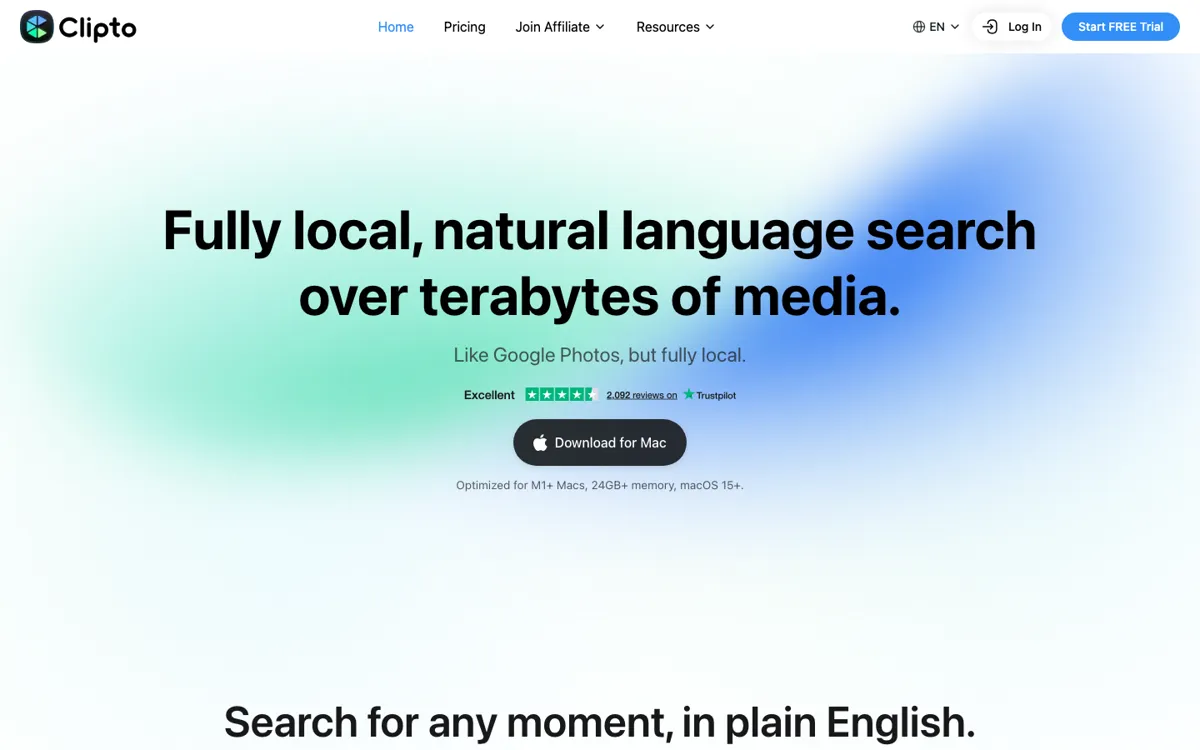
Official Website Snapshot Visit Site ↗

check_circle Pros

  • The local-memory framing is stronger than a generic transcript pitch because it covers more than just clips.
  • You can keep the archive local first instead of turning every search problem into another cloud upload job.
  • MCP access into Claude, ChatGPT, Cursor, and Clipto Agent makes the archive more reusable than a dead media index.

cancel Cons

  • There is still no permanent free plan, only a 7-day trial before paid billing.
  • The monthly plan leans on a first-month discount, so the ongoing cost feels steeper than the headline price.
  • Large-library setup and team sharing still look like the first pressure points.

Should you use it?

Best for editors, photographers, agencies, filmmakers, and content teams searching large private media archives for exact clips, scenes, people, or spoken moments without uploading raw files.

Skip it if: Skip it if you need a browser transcription tool, a Windows app, or a shared cloud index that multiple teammates can query without local setup.

Is it worth the price?

Paid Starts at USD 9.99

The 7-day trial is long enough to answer the real question: does your actual archive become easier to search, cite, and reuse? The first-month discount makes the jump feel lighter, but if the archive fit is wrong, the ongoing monthly price will feel expensive fast.

Paid Upgrade
$9.99 first month monthly, then $24.99/month, or $12.49/month billed yearly

Pro includes unlimited video and audio search, automatic speech transcription, people tagging, 99+ languages, videos up to 6 hours long, and advanced models.

One thing to know before you start

Test it on the folder you actually avoid opening, not on a neat demo set. Search for one person, one exact spoken line, and one visual scene, then pay attention to scan time as much as search quality.

What people actually use it for

Finding one shot inside years of client footage

A video editor can point Clipto at old project folders, then search for a person, action, place, or spoken line instead of opening timelines and scrubbing manually. This is strongest when the archive is large enough that filenames and folder names stopped being useful months ago.

Turning field recordings into searchable working material

A filmmaker, journalist, or photographer working offline can index video and audio on a Mac, then search the archive while traveling or working somewhere with poor internet. The privacy value is real when unreleased footage cannot be uploaded to a hosted transcription or media search service.

Building a rough media library before editing starts

An agency can use auto-tagging and local transcription to get most of a large shoot organized before a human editor refines the selects. It will not remove editorial judgment, but it can reduce the first-pass logging work that usually blocks the creative part.

What does Clipto actually do?

Clipto matters because searching raw media is harder than transcribing it. When nobody remembers the file name but everyone remembers the moment, plain-English search across scenes, dialogue, and people becomes genuinely useful.

The tradeoff is hardware and setup. The local-first design is exactly why privacy-minded teams may want it, but it also means your Mac carries the burden of the first scan and ongoing indexing.

What you can do with it

Search local video, audio, meetings, and files with natural-language queries instead of filenames or manual labels.
Jump to exact moments by person, action, dialogue, place, object, scene, or spoken phrase.
Auto-tag media so large folders become searchable without hand-naming every clip.
Pull traceable answers into Claude, ChatGPT, Cursor, or Clipto's own agent through MCP.
Keep memory local first, with optional cloud intelligence instead of mandatory uploads.

Technical details

mcp_access
Feeds the same memory into Claude, ChatGPT, Cursor, and Clipto Agent via MCP.
index_scope
Starts locally on your computer, with optional cloud intelligence layered on top.
memory_scope
Indexes videos, images, meetings, conversations, documents, and ideas into one memory.

Top Alternatives to Clipto

If Clipto is close but still misses the job, try one of these instead.

Key Questions

Does Clipto force my media into the cloud?
No. The current homepage says memory starts locally and cloud intelligence is optional, which is a big part of why the product is interesting in the first place.
Is Clipto just for media search now?
Not really. The current homepage pushes a broader memory pitch across videos, meetings, documents, conversations, and ideas, not just footage search.
Is Clipto free?
No. The public offer is a 7-day free trial, then paid Pro billing.
How does the pricing look now?
The current pricing page shows a $9.99 discounted first month on monthly billing, then $24.99 a month, or $12.49 a month on yearly billing.