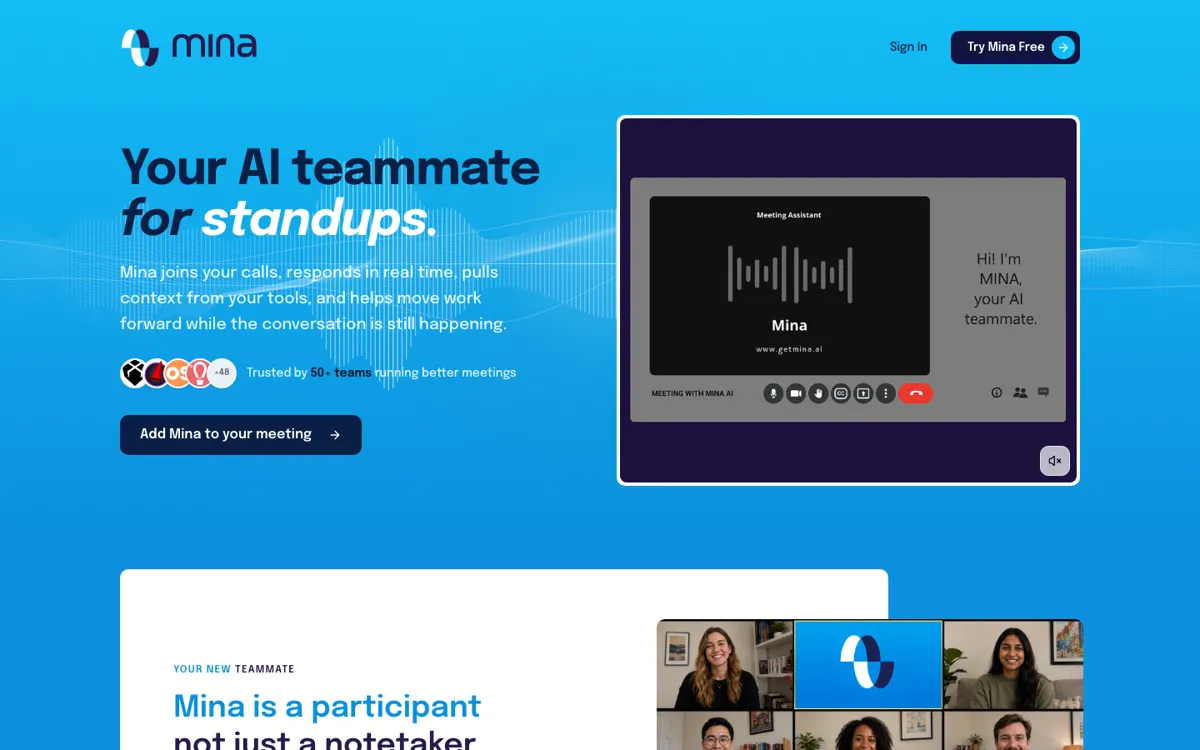
Mina Meeting Assistant Review

8.2/10

AI meeting teammate that can speak, pull context, and execute follow-up work during calls.

Review updated June 2026 By The AI Way Editorial 4 min read
Mina AI Agents CRM Integration Meeting Notes Real-Time Freemium from USD 49.00/mo

Our Verdict

Mina is strongest when the meeting creates work before anyone leaves the call. It fits sales, recruiting, standups, and customer success calls where someone normally has to answer questions, write follow-up, or update systems while still listening. The catch is governance once an AI can speak and act live.

Official site
A free plan is listed; verify current limits before upgrading. Starts at USD 49.00.
open_in_new Try Mina Meeting Assistant
Official Website Snapshot Visit Site ↗

check_circle Pros

  • It can answer, draft, and push work forward before the call ends.
  • Role-based assistants make the product easier to map to real jobs.
  • The free plan is enough to test the live-participation idea before paying.

cancel Cons

  • Teams still need rules for when Mina should speak and when it should stay quiet.
  • Sensitive calls need approval rules before Mina updates connected systems.
  • Heavy use can turn into a credit-management problem pretty quickly.

Should you use it?

calls where live context and instant follow-up work matter more than a polished transcript

Skip it if: your meetings only need quiet notes, or your team is not ready for an AI participant to speak or update systems

Is it worth the price?

Freemium Starts at USD 49.00

Free is enough to test the live-participation idea with 2,500 one-time credits. Heavy calendars will hit Pro once monthly credits, unlimited note taking, and full skills or integrations become routine needs. If every meeting starts with credit math, narrow Mina to a few call types or move upmarket.

The Free Tier

Free includes 2,500 one-time credits, full platform access, starter skills and templates, and community integrations.

Paid Upgrade
$49/month

Pro adds 5,000 monthly credits, unlimited note taking, full integrations, and Skill Creator access.

One thing to know before you start

Start Mina with one narrow role, like pushing blockers into Jira or drafting follow-ups for approval. Do not connect every tool on day one.

What people actually use it for

Sales calls with live context

Bring Mina into discovery or demo calls when reps usually bounce between the meeting, CRM, and follow-up docs just to answer basic account questions.

Standups that create tickets

Use Mina when the value is getting blockers into Jira or Linear during the meeting instead of leaving them stranded in a summary.

Customer reviews with follow-up

Use Mina in QBRs or renewal calls when commitments, CRM updates, and next steps usually have to be copied into several systems afterward.

What does Mina Meeting Assistant actually do?

Mina is more useful than a normal notetaker when the meeting itself creates work. It can pull context, draft follow-up, and update systems while people are still talking, which changes the question from transcript quality to whether the assistant can act without becoming a distraction.

The upside and downside come from the same thing: Mina acts in real time. That makes role boundaries and approval habits part of the rollout. A scrum helper that files blockers is easier to trust than an assistant that can talk in any interview or customer call.

What you can do with it

Join Zoom, Google Meet, and Microsoft Teams as an AI participant.
Answer live questions with pulled context and drafted responses.
Create follow-ups, CRM updates, tickets, and summaries during the call.
Offer role-specific assistants for sales, scrum, recruiting, and customer success.
Connect to 200+ tools and 40+ built-in skills.

Technical details

enterprise_api
Custom API access is listed for Enterprise
meeting_support
Zoom, Google Meet, and Microsoft Teams
integration_scope
200+ integrations and 40+ built-in skills

Top Alternatives to Mina Meeting Assistant

If Mina Meeting Assistant is close but still misses the job, try one of these instead.

Key Questions

Is Mina just another AI notetaker?
No. Mina can take notes, but the more important difference is live participation: it can answer questions, use connected skills, and generate follow-up work while the meeting is still happening.
What meeting platforms does Mina support?
Mina is built to join Zoom, Google Meet, and Microsoft Teams calls. The value depends on whether your team also connects the tools where follow-up work happens.
Can Mina update CRM or project tools?
Yes. Mina lists CRM updates, tickets, follow-ups, dashboards, and more than 200 integrations, including tools such as Slack, HubSpot, Salesforce, Jira, Linear, GitHub, and Notion.
Is there a free plan?
Yes. The free plan includes 2,500 one-time credits and full platform access, while Pro starts at $49 per month with monthly credits, unlimited note taking, all skills, integrations, and Skill Creator access.