Mintlify Review

8.7/10

Publish docs that humans and AI tools can search, cite, and keep up to date.

Review updated May 2026 By The AI Way Editorial 3 min read
Mintlify AI Search API Available Knowledge Base Writing Assistant Freemium from USD 250.00/mo

Our Verdict

Mintlify is strongest when stale docs are already costing you adoption, support time, or trust. The value is the maintenance layer around the docs, not just prettier pages. If you only need a basic docs site, the platform depth and price jump are hard to justify.

Official site
A free plan is listed; verify current limits before upgrading. Starts at USD 250.00.
open_in_new Try Mintlify
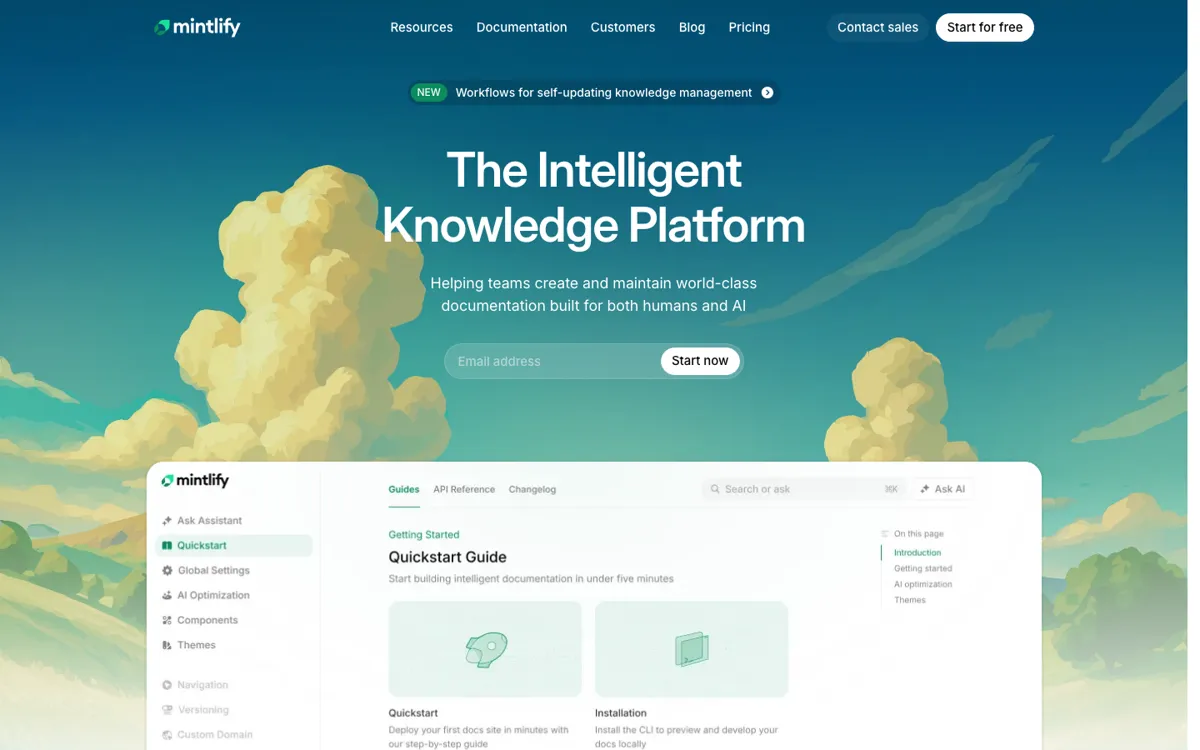
Official Website Snapshot Visit Site ↗

check_circle Pros

  • It combines docs authoring, maintenance, AI delivery, and user assistance.
  • llms.txt and MCP support give the AI angle a concrete use case.
  • The pricing page is clear enough to judge before a sales call.

cancel Cons

  • The jump from free Hobby to Pro is steep for smaller teams.
  • It can be overkill for docs that rarely change.
  • Agent credits make long-term cost less obvious than the base plan price.

Should you use it?

API and SaaS teams that need docs to onboard users and answer repeat questions

Skip it if: you only need a cheap docs site with occasional manual updates

Is it worth the price?

Freemium Starts at USD 250.00

The free tier is good for proving fit, not for assuming long-term cost. The paid jump only makes sense if bad docs are already expensive for your team.

The Free Tier

Hobby plan is free, plus a 14-day trial with no credit card required.

Paid Upgrade
$250/month

Pro adds assistant, writing agents, previews, and password protection.

One thing to know before you start

Test Mintlify on one painful docs surface first, like stale API docs or a support-heavy help center. If the assistant, writing agent, and preview flow reduce maintenance pain there, the platform gets easier to justify.

What people actually use it for

Ship developer documentation that AI systems can read

It fits teams that want docs readable to humans and exposed cleanly to AI systems through llms.txt and MCP.

Reduce repetitive support questions with an assistant

If support keeps answering the same product questions, the assistant layer can turn a docs visit into a faster answer path.

Keep fast-changing docs from falling behind releases

Fast-moving product teams can use it to shorten the lag between shipping changes and updating docs.

What does Mintlify actually do?

Mintlify makes more sense once docs stop being a side project. If users, support reps, and AI tools all depend on the same knowledge, then publishing pages is only part of the job.

The main boundary is cost. Mintlify is easier to justify when stale docs already create support drag or onboarding friction. Smaller teams with simple docs may not need this much platform.

What you can do with it

Publish docs, knowledge bases, and help centers from a web editor.
Expose docs to AI workflows through llms.txt support and an MCP server.
Use assistant and writing agents to search docs and maintain content.
Run preview deployments, analytics, agent feedback, and API workflows together.

Technical details

ai_access
Supports llms.txt and an MCP server.
docs_scope
Covers docs, help centers, and API references.
authoring_stack
Includes editor, preview deployments, and writing agents.

Top Alternatives to Mintlify

If Mintlify is close but still misses the job, try one of these instead.

Key Questions

Is Mintlify just a prettier docs site builder?
No. The official product pages position it as a broader knowledge platform with AI assistance, writing agents, MCP support, analytics, and workflows for keeping docs current, not just a theming layer for static pages.
Who gets the most value from Mintlify?
Teams with developer docs, API references, or support-heavy knowledge bases get the clearest return. The platform makes the most sense when documentation affects onboarding, support volume, and AI discoverability, not when docs are a side page you rarely touch.
Does Mintlify have a real free plan?
Yes. The pricing page shows a free Hobby plan, and it also advertises a 14-day trial with no credit card required for trying the broader platform.
What is the main pricing catch with Mintlify?
The main catch is the jump into Pro pricing and ongoing agent usage. Once your team relies on the AI features and operational parts of the platform, you are evaluating a strategic docs system rather than a cheap publishing tool.