Supermemory Review

8.6/10

Context infrastructure that gives AI agents memory, RAG, user profiles, connectors, and file extraction through one API.

Review updated July 2026 By The AI Way Editorial 5 min read
Supermemory AI Agents API Available Knowledge Base Open Source Freemium from USD 19.00/mo

Our Verdict

Supermemory is worth tracking because it turns agent memory into a productized context layer rather than another vector database wrapper. It is strongest for teams building AI agents that need persistent user context, document retrieval, connectors, and deployment choices in one place. The cost is that memory quality is now part of your infrastructure stack, so teams should test recall behavior and billing before making it central to production agents.

Official site
A free plan is listed; verify current limits before upgrading. Starts at USD 19.00.
open_in_new Try Supermemory
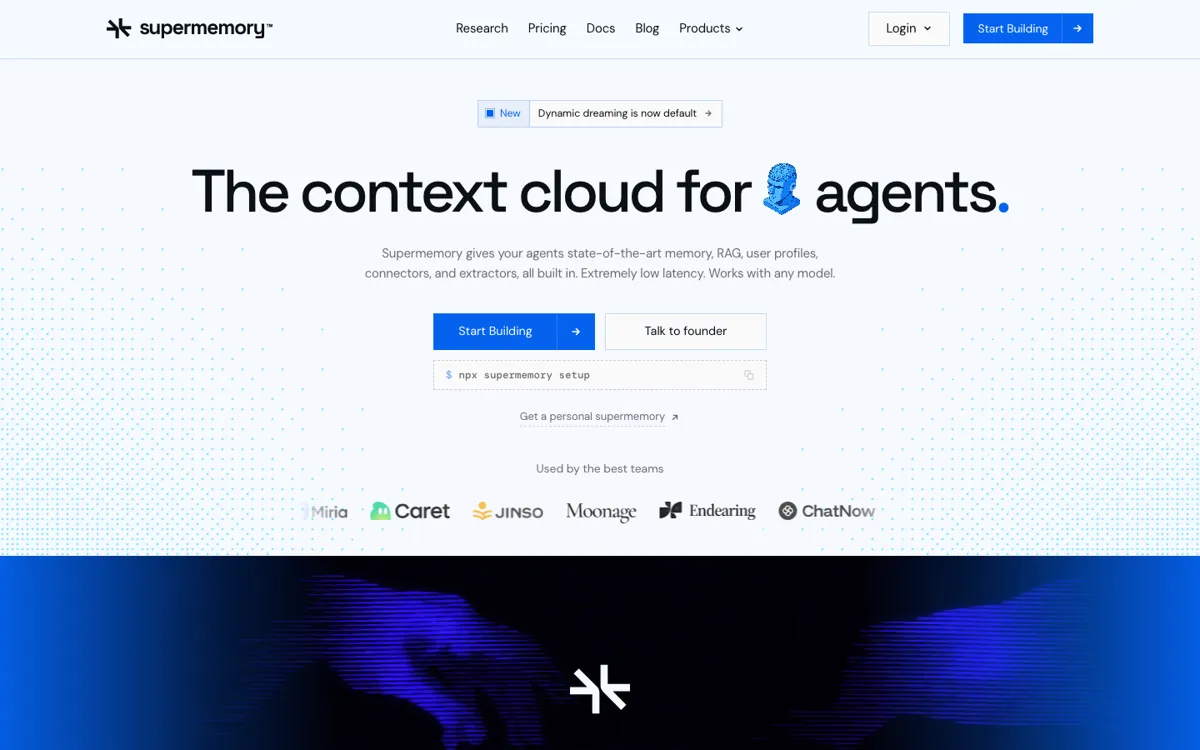
Official Website Snapshot Visit Site ↗

What people actually use it for

Give an AI agent persistent user memory

Supermemory fits agents that should remember preferences, project context, repeated instructions, and changing user facts across sessions. Instead of stuffing old conversations into the prompt, the agent can store memories, fetch a profile, and retrieve relevant context when it needs it.

Add RAG and connectors without stitching together separate services

Teams can use Supermemory to ingest files, sync external sources, extract rich content, and search across documents and memories through one context layer. That is useful when the agent needs both a knowledge base and personalized memory.

check_circle Pros

  • The product has a clear job: give agents persistent memory, user profiles, RAG, connectors, and extraction through one API.
  • It serves both developers and personal AI-tool users, which gives it more search surface than a narrow API-only library.
  • The public pricing page is unusually explicit, including free credits, Pro, Max, Scale, Enterprise, and usage-rate details.
  • GitHub traction is still strong for the category, and the homepage now surfaces 28.7K stars publicly.

cancel Cons

  • It is infrastructure, so non-technical users may not understand the API value unless they start from the personal app or plugins.
  • Production users need to validate memory behavior, forgetting, contradiction handling, and retrieval quality with their own data.
  • Usage-based pricing can become hard to reason about if many agents repeatedly ingest rich files, conversations, and connector data.

Should you use it?

teams building AI agents or assistants that need persistent memory, profiles, retrieval, and connectors in one layer

Skip it if: your product only needs simple document search or a small static knowledge base

Is it worth the price?

Freemium Starts at USD 19.00

The free plan is enough for prototypes because it includes about $5 of usage. Pro is still the practical floor for plugin-heavy or team workflows, while Max and Scale only start making sense once memory is part of production infrastructure and usage control matters.

The Free Tier

Free plan includes $5 per month of usage, Supermemory MCP, Hermes Plugin, and community support.

Paid Upgrade
$19/mo

Pro adds about $20 per month of included usage, unlimited storage and users, Google Drive/Notion/OneDrive connectors, two teammates, OpenClaw and Claude Code plugins, email support, and optional top-ups.

One thing to know before you start

Test Supermemory with one real agent loop before migrating everything. Store repeated conversations, connector documents, and profile facts under the same container tag, then inspect whether the returned profile and search results actually help the model answer with less prompt stuffing.

What does Supermemory actually do?

Supermemory's clearest positioning is that memory is not the same job as ordinary RAG. A vector database can retrieve document chunks, but it does not automatically maintain a user's preferences, update facts when they change, or decide which recent activity should follow the user into the next conversation. Supermemory packages those behaviors into a context layer for agents. Developers can send it chats, files, web content, and connector data, then call back for memory, search results, and user profiles when the agent needs context.

The product is also broader than a single developer API. One side is the Supermemory API for teams building agents; the other is Personal Supermemory for people who want Claude, Cursor, Codex, OpenCode, OpenClaw, or Hermes to remember across sessions. That matters for SEO and adoption because the product can be searched as an agent memory API, a RAG layer, a personal AI memory app, an MCP server, and a set of assistant plugins. This dual surface gives the product more practical hooks than a pure infrastructure repo.

The main evaluation question is not whether memory is useful. It is whether Supermemory's specific memory behavior fits the agent you are building. Teams should test how it handles contradictions, stale facts, rich documents, connector updates, and repeated ingestion before using it as the default memory layer. The pricing page is helpful here because it shows free credits, a $19 Pro plan, Scale and Enterprise plans, and usage rates for memory, SuperRAG, search, and operations. That makes the cost model inspectable, but production agent loops still need real traffic tests.

What you can do with it

Stores conversations, files, URLs, and workspace content as agent memory
Builds user profiles that combine stable facts with recent activity for personalized agent responses
Combines memory and RAG search so agents can retrieve user context and knowledge base content together
Syncs external sources including Google Drive, Gmail, Notion, OneDrive, GitHub, S3, and web crawlers
Provides TypeScript and Python SDKs plus integrations for agent frameworks and AI tools
Offers MCP, browser extension, and plugin surfaces for personal AI memory across major AI clients

Technical details

compliance
Public site highlights SOC 2 Type II, with HIPAA BAA on Scale and above.
memory_graph
Memory, profiles, and retrieval live in one evolving graph instead of isolated vector blobs.
retrieval_latency
SuperRAG is positioned at sub-300ms recall latency.
deployment_options
Scale adds self-hosting; Enterprise adds air-gapped or dedicated deployments.

Top Alternatives to Supermemory

If Supermemory is close but still misses the job, try one of these instead.

Key Questions

Is Supermemory only for developers?
No. Developers can use the API, SDKs, docs, and connectors, while personal AI-tool users can use the app, MCP server, browser extension, and plugins to give assistants persistent memory.
How is Supermemory different from a vector database?
A vector database mainly stores and retrieves chunks. Supermemory combines retrieval with memory extraction, user profiles, contradiction handling, connector sync, file processing, and agent-facing context APIs.
Does Supermemory have a free plan?
Yes. The pricing page lists a Free plan with $5 per month of included usage. Paid plans start at $19 per month for Pro, with Scale and Enterprise options for production and compliance-heavy deployments.